
Learn a language while you drive
Driving is time you spend every week and cannot use for anything that needs eyes or hands. You can still listen and speak, and that is what a language is for. This is what works behind the wheel, what does not, and how LingoDrive is built around it.
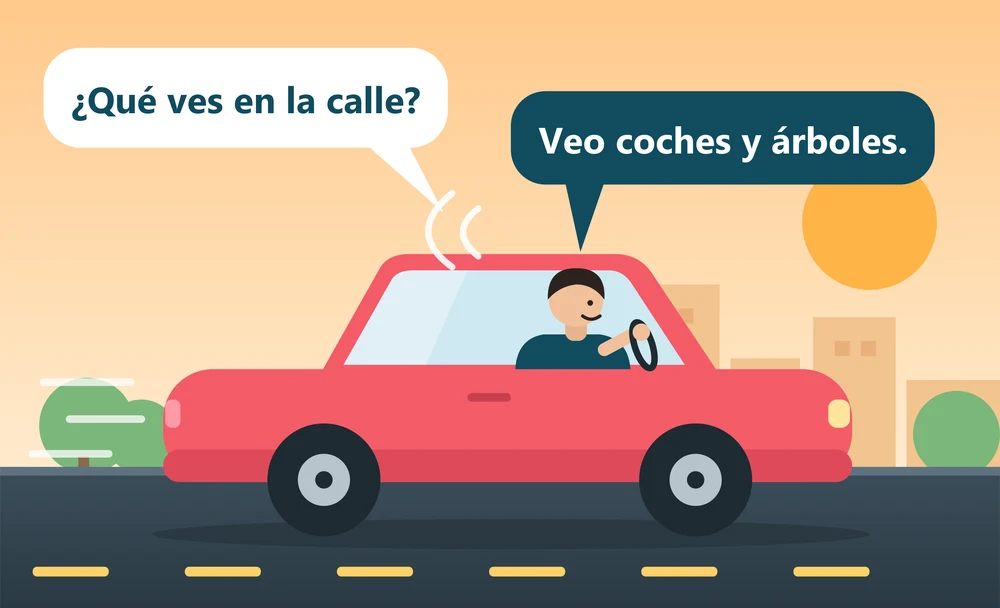
What works while driving
- Listening. A conversation at your level trains your ear for how the language really sounds, at real speed.
- Saying things aloud. Speaking is the skill most apps skip, and a car is a private place to do it. Answer each question out loud instead of in your head.
- Repeating a model. Hearing a good answer and copying its rhythm is shadowing. Read about shadowing.
- Short, regular sessions. A familiar drive every day beats a long session once a week.
What does not work
Anything that asks you to look at a screen or touch it: flashcards, typing exercises, multiple choice, streak counters. A driver should not be doing any of that, and a language app that needs it is the wrong tool for the car. Pick what you want to hear before you set off, and leave the phone alone while you drive.
How LingoDrive fits a drive
On Android Auto, LingoDrive is an ordinary podcast app. An episode is a two-voice conversation at your level, and for every exchange you hear a question, get a pause to answer aloud, hear a model answer, and get a second pause to repeat it. An episode runs around 8 to 11 minutes, so a 30-minute drive is about three of them.
In the car the microphone stays off. You say your answer to yourself and compare it with the model answer. The phone does the listening-back part: when you are parked, or walking, the speaking practice on your phone hears you and replies. The full setup is in the Android Auto guide.
A simple weekly pattern
- Choose one language and one level, and keep them for a few weeks.
- On each drive, play the next episode and answer every pause aloud.
- Once a week, on the phone and not in the car, redo a few lines with the transcript open, using Repeat and Translate.
Questions
Is it safe to use while driving?
The idea is that you use it the way you use any podcast: start it, then just listen and talk. Set things up before you move, do not use the screen while driving, and follow the rules where you live.
Do I need Android Auto?
No. LingoDrive also plays through whatever your phone plays audio through. Android Auto just puts the podcast on your dashboard with big, familiar controls.
Which languages?
Danish, English, German, Spanish, French, Italian, Swedish and Portuguese, each from complete beginner to advanced. See all eight.
Is it free?
LingoDrive is free to start, with a daily allowance of speaking exchanges and podcast episodes. LingoDrive Pro removes the limit: unlimited practice, as a monthly or yearly subscription through Google Play, cancel any time.